 Nyxo
NyxoFree · No sign-up · Full resolution
Wallpapers made for your phone
Describe a wallpaper and get it in the exact size of your screen, with room for the clock on your lock screen.
Make a wallpaper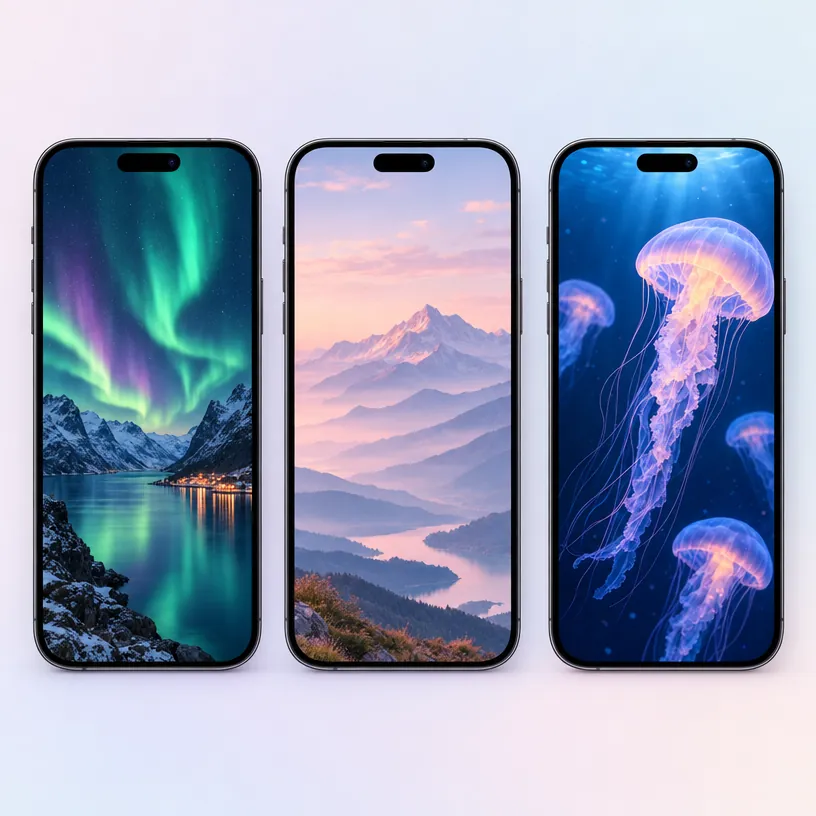
How it works
- Pick "Fit my screen" or your phone model.
- Choose lock screen or home screen and describe your wallpaper.
- Preview it on a phone, then save a small JPEG or share it to your phone.
Why use Nyxo Phone Wallpaper Maker
- Exact sizes for iPhone, Galaxy, Pixel and iPad.
- Lock screen mode keeps the top clear for the clock.
- "Save for phone" makes a quick 1–2 MB JPEG.
- Free, with no sign-up and no watermark.
- Full-resolution results at the highest quality.
- Private: your pictures stay in your browser unless you share them.
- Works on phones, tablets and computers.
Questions
How do I set it as my wallpaper?
Save or share the picture to your phone, open it in Photos or Gallery, and choose "Use as wallpaper".
More free tools
AI Image GeneratorBackground RemoverObject RemoverImage UpscalerPhoto RestorationAI Product PhotosAI Headshots & AvatarsMockup GeneratorVirtual Try-OnAI Interior DesignPoster & Thumbnail MakerResize for All PlatformsSticker MakerChange Text in ImageChange Light & SeasonSketch to ImageChange BackgroundColorize PhotoColoring Page MakerHairstyle Try-OnHouse & Garden DesignTattoo GeneratorImage ExpanderImage to PromptInstagram Carousel Maker