 Nyxo
NyxoFree · No sign-up · Full resolution
Change the text in any picture
Nyxo finds the text in your picture. Pick what to change, type the new words, and they appear in the same font and style.
Change text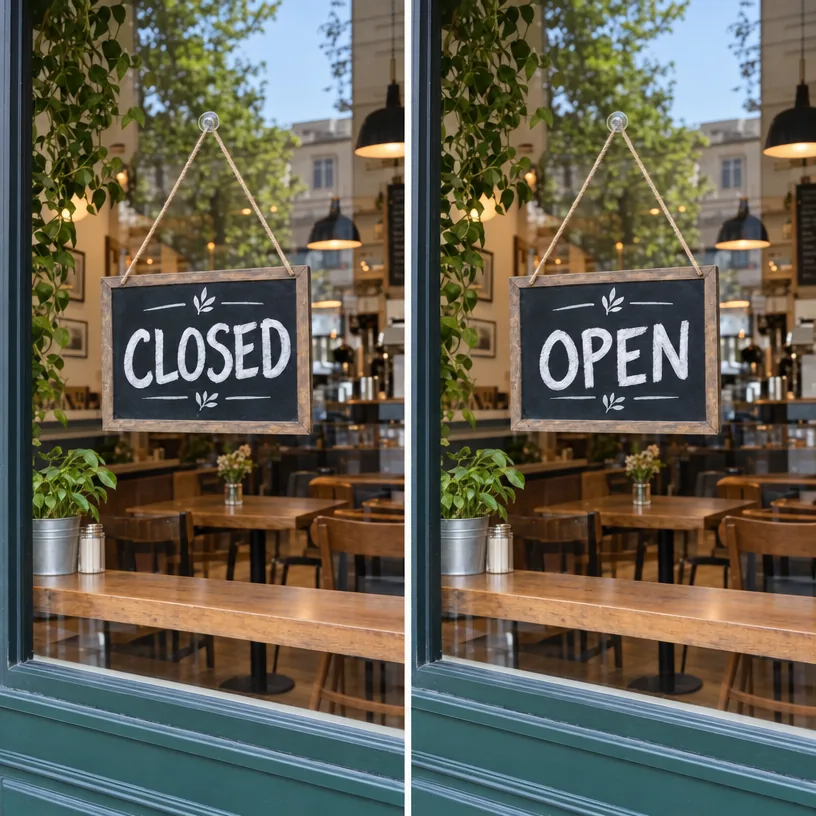
How it works
- Upload your picture.
- Click on the detected text you want to change.
- Type the new text and click Create.
Why use Nyxo Change Text in Image
- Automatic text detection.
- Keeps the original font, color and effects.
- Free, with no sign-up and no watermark.
- Full-resolution results at the highest quality.
- Private: your pictures stay in your browser unless you share them.
- Works on phones, tablets and computers.
Questions
Does it work on signs and packaging?
Yes, on signs, posters, packaging, screenshots and more.